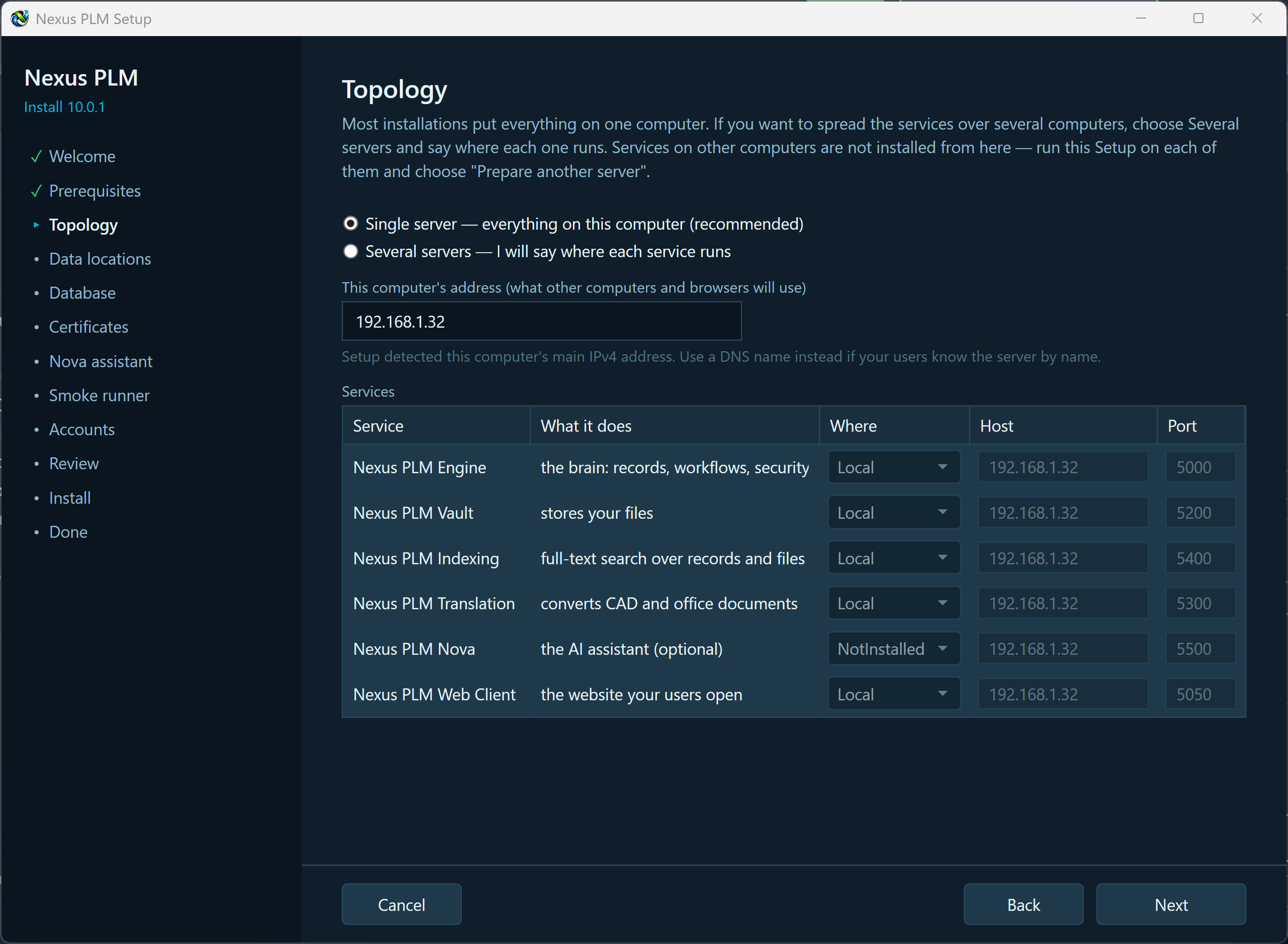
3 - Topology
The Topology page decides which computers Nexus PLM runs on. Most installations put everything on one computer, which is the recommended choice and the one to take if you are not sure.
Single server - everything on this computer. Every service is installed here, at its standard port, and the grid is fixed: there is nothing to decide except Nova. Nova is left out by default because it needs two extra programs, Ollama and ChromaDB, that you install separately; set it to This computer if you already have them, or leave it as Not installed and turn it on later from the Manager.
Several servers - I will say where each service runs. The grid becomes editable and each service can be put on this computer, on another computer, or left out. Setup only installs the services marked This computer: for the ones on other computers you run this same Setup there and choose Prepare another server, using the shared secret from the Done page so the services trust each other.
This computer’s address is what browsers and the other computers will use to reach this one. Setup fills in the main IPv4 address it detects. Replace it with a DNS name if your users know the server by name - whatever you put here goes into the certificate and into every service address, so use the name people will actually type.
The services, in plain words: Engine is the brain (records, workflows, security); Vault stores your files; Indexing provides full-text search over records and files; Translation converts CAD and office documents; Nova is the optional AI assistant; Web Client is the website your users open. Engine and Web Client are always installed.
A few rules Setup enforces: every service needs a free, unique port on its computer; Indexing needs the Vault, and reads vault files directly from disk, so put it on the same computer as the Vault or give it the vault share as a UNC path; Nova needs Indexing. Anything that does not add up is listed in red under the grid, with what to change.
When the grid is right, press Next.