4 - Data Locations
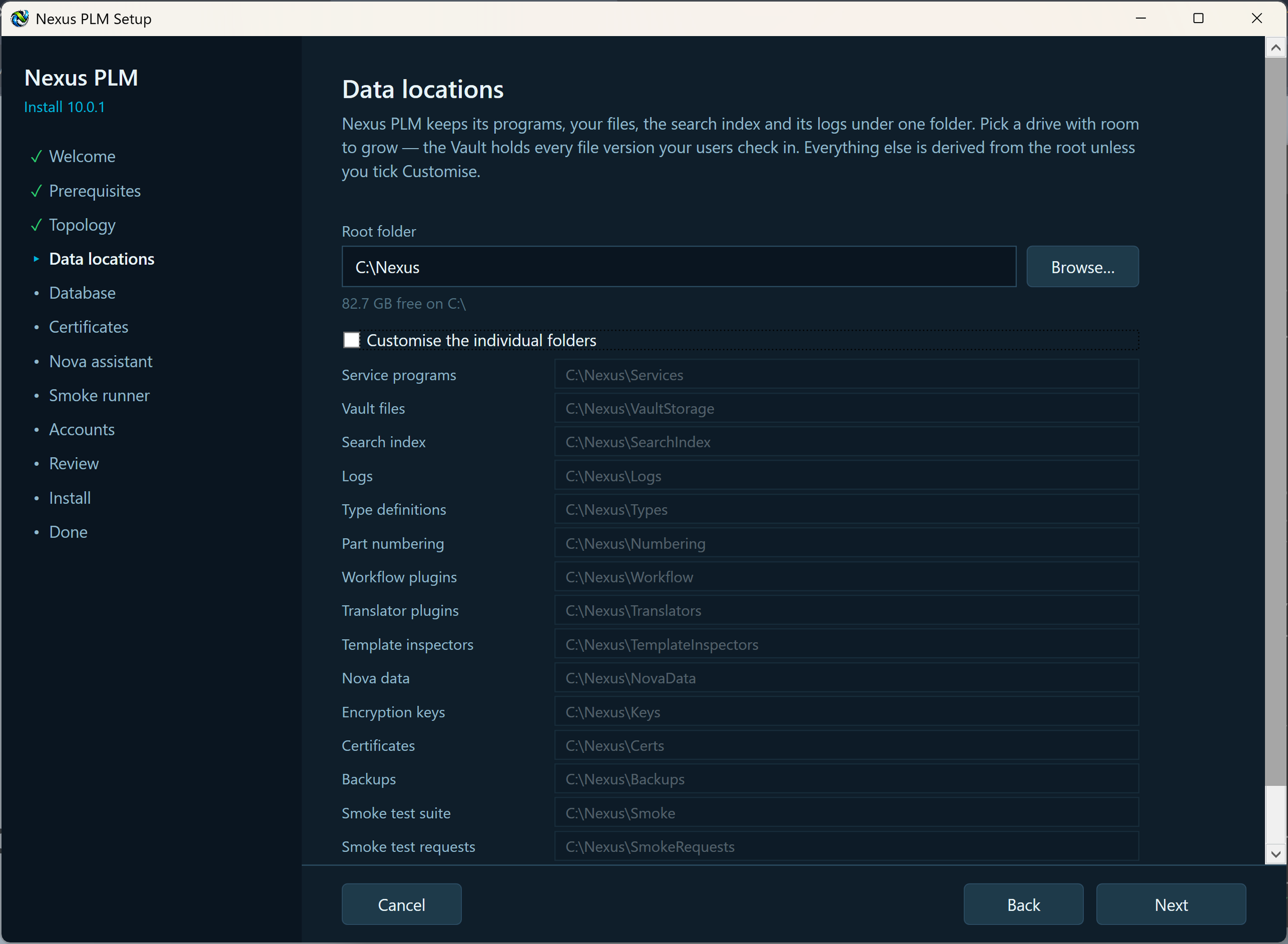
Everything this installation writes lives under one root folder, C:\Nexus by default: the programs, your files, the search index, the logs and the certificate. The page shows that root and every folder derived from it, so you can see where things will end up before anything is created.
In almost every case you change only the root folder. Pick a drive with room to grow - the Vault keeps every version of every file your users check in, and the search index grows with it - and everything else follows automatically. If the folder does not exist yet, Setup creates it.
The derived folders are shown read-only. Press Customize only if a particular folder has to live somewhere else, for example the vault storage on a larger drive or on a share that another computer can reach.
Do not put the root inside C:\Program Files: Windows protects that folder and the services would not be able to write there. Avoid removable drives and, for anything other than vault storage, network drives - if the drive disappears, so does the whole system.
Check the root, then press Next.
If Setup objects: the root is under Program Files, choose something like C:\Nexus or D:\Nexus instead; the folder is not writable, pick another one or give Administrators and SYSTEM full control of it in Properties, Security; not enough free space, choose a drive with at least 10 GB free and room to grow.