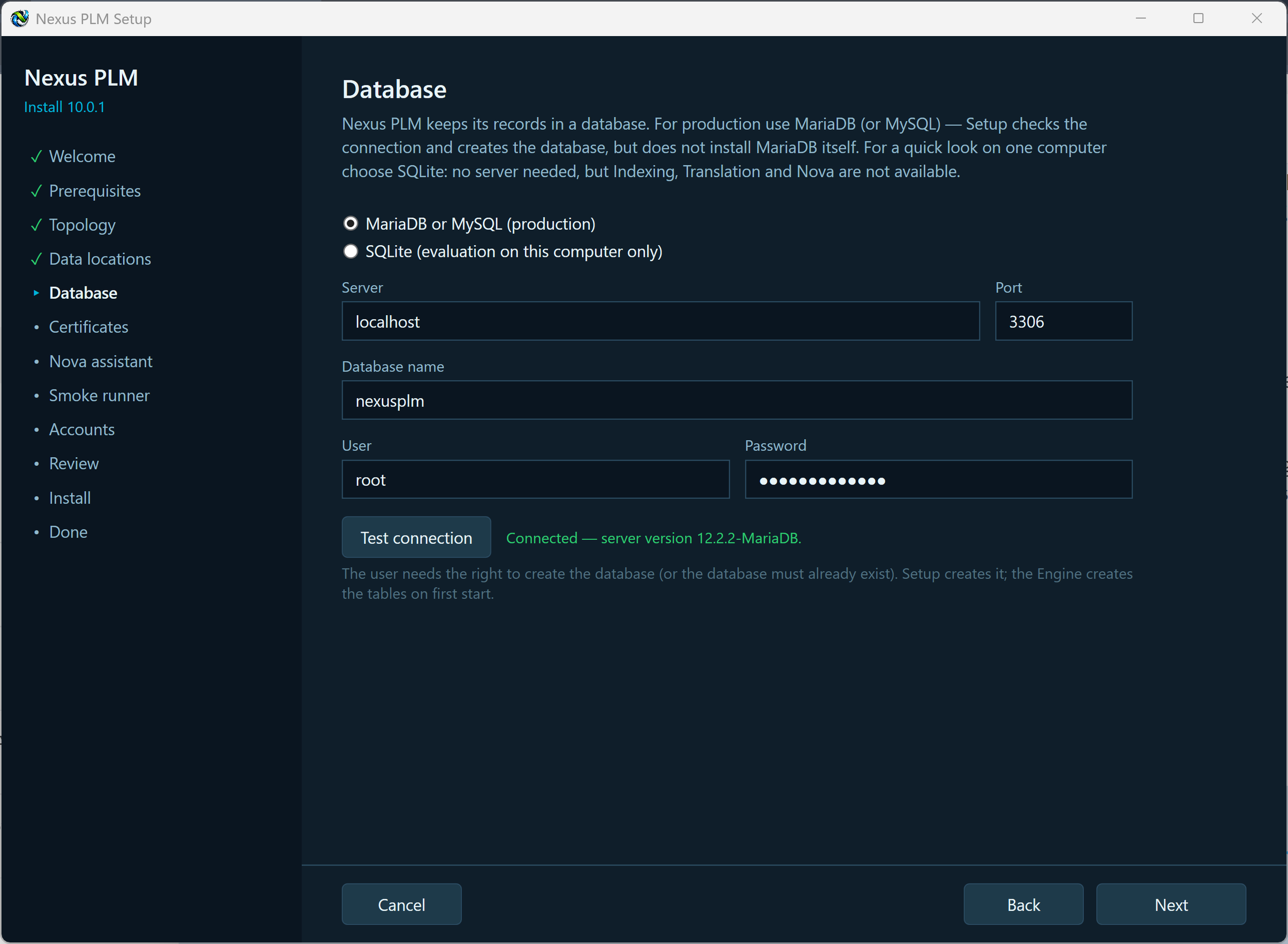
5 - Database
Nexus PLM keeps its records - parts, documents, changes, projects, users, workflows - in a database. This page is where you say which one, and Setup proves it can reach it before you go any further.
MariaDB or MySQL is the choice for real use. Setup does not install MariaDB: install it first (the default settings are fine) and give Setup a user that may create the database, or create an empty database yourself and give Setup a user with full rights on it. Fill in the server address, the port (3306 unless you changed it), the database name, the user and the password.
SQLite is for evaluation on one computer only. It is a single file under your data root, needs no server and nothing to configure - but Indexing, Translation and Nova are not available with it, so full-text search, document conversion and the AI assistant are left out. Use it to try Nexus PLM out, not to run it.
Press Test connection. Setup connects with exactly what you typed and reports the server version, or says what went wrong. The verdict belongs to those details only: change any of them and the result clears, so you always know the green tick matches what is in the boxes. Pressing Next tests again if you have not.
Host note for a multi-server installation: localhost only means “this computer”, so if a service runs elsewhere, give the database server’s real address here, as the other machines see it.
When the test is green, press Next.
If the test fails: access denied means the user name or password is wrong, or the user has no rights on that database; nothing answered at that address usually means MariaDB is not running, is listening only on its own computer, or the port is blocked by a firewall. Fix it and press Test connection again.