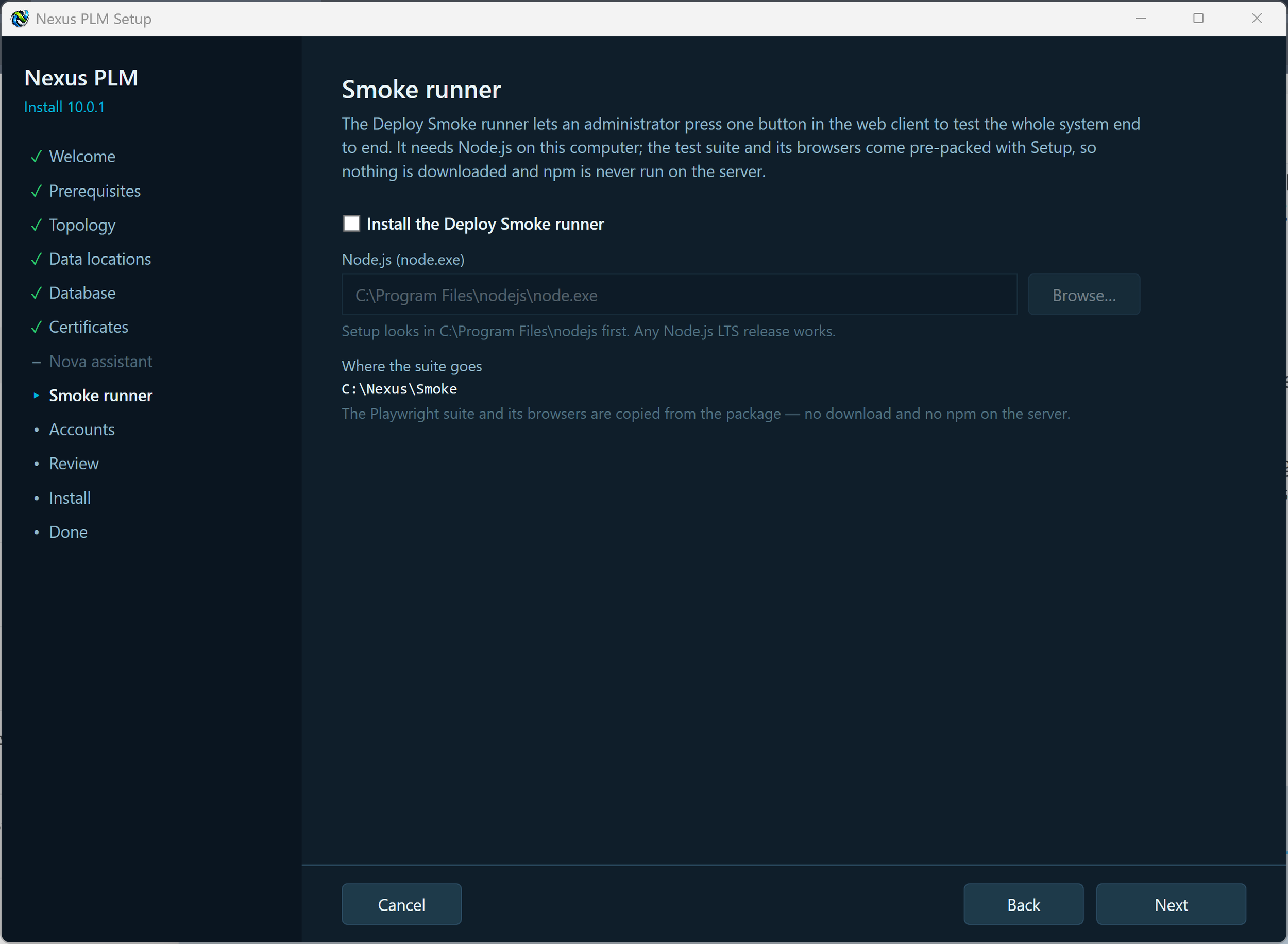
8 - Smoke Runner
The Deploy Smoke runner is a self-test for the whole system. An administrator presses one button in the web client and the Engine opens the website in a real browser, signs in, creates a few records, checks that they behave, and tidies them up again - then shows what passed and what failed on the dashboard. It is the quickest way to know an installation or an upgrade actually works, rather than merely started.
It is optional and switched off by default. Tick Install the Deploy Smoke runner to include it; leave it clear if you would rather not, and you can turn it on later from the Manager.
The test suite and the browser it drives are packed inside this installer and copied to the Smoke folder under your data root. Nothing is downloaded and npm is never run on the server. The one thing the server needs of its own is Node.js: Setup looks for node.exe and fills in the path, and you can browse to it if it lives somewhere unusual.
The runner needs the Engine and the Web Client on this computer, because the Engine starts the test and reads the results from the website’s own folder. In a multi-server installation, install it on the computer that runs those two.
Make your choice and press Next.
If Setup objects: Node.js was not found, install the current LTS release from nodejs.org and press Re-check, or browse to node.exe yourself; the Engine or Web Client is somewhere else, either move them here or leave the runner off; this package was built without the smoke suite, use the full installer or leave the runner off.