
6 - Certificates
Every Nexus PLM service talks HTTPS, so the server needs a certificate that names this computer. This page decides where that certificate comes from.
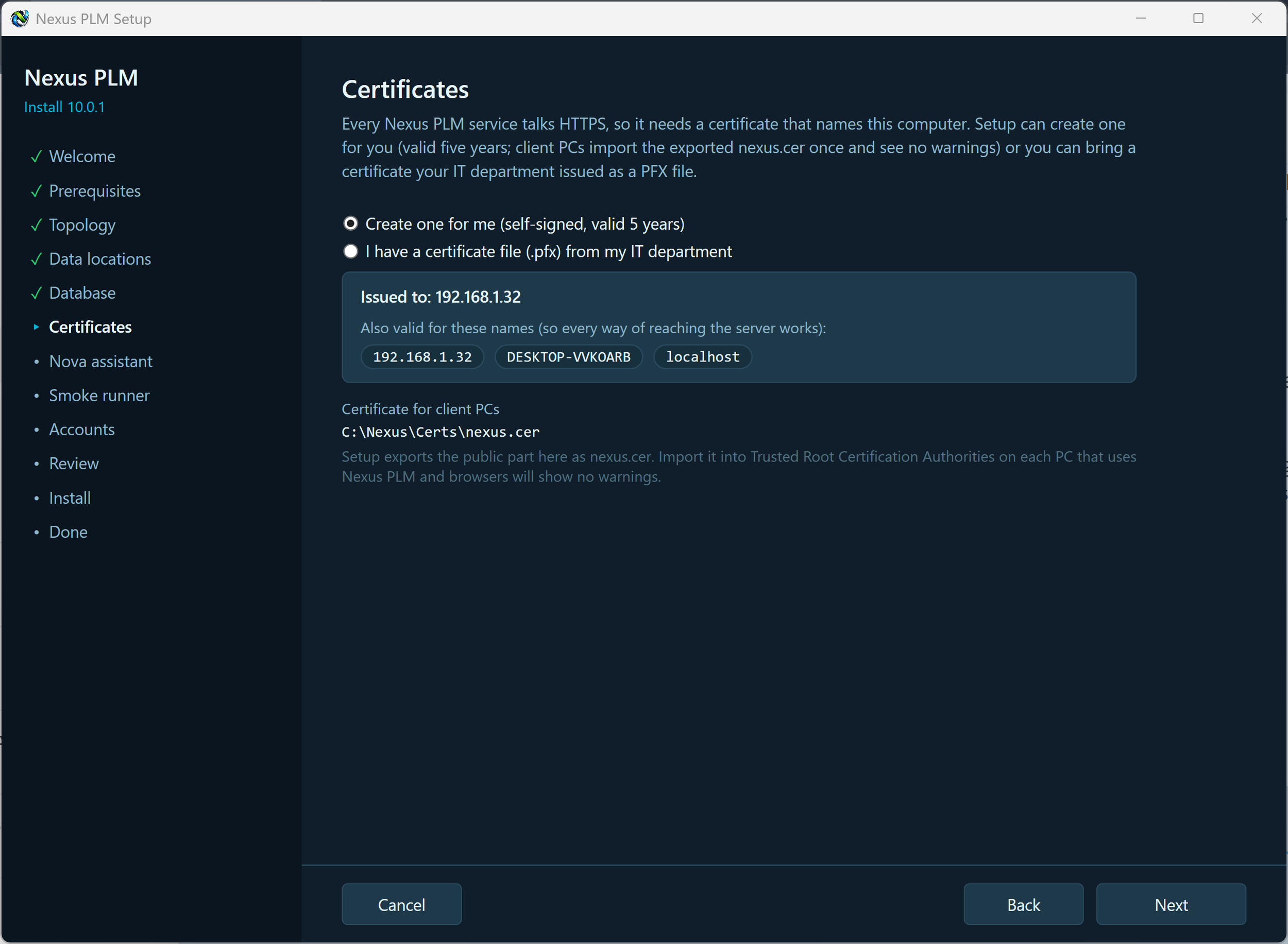
Create one for me is the simple choice and needs nothing else from you. Setup issues a certificate valid for five years, covering the address you gave on the Topology page, the computer’s name, its full DNS name, every IP address it has, and localhost, and installs it in the Windows certificate store. Because it is self-signed, each client PC has to trust it once - Setup exports the public half as nexus.cer for exactly that, and the page tells you where it will be written.
I have a certificate file from my IT department is for organisations that issue their own. Browse to the .pfx file and enter its password. Setup checks that it really contains a private key, that it is meant for server authentication, and warns you if it does not cover the address your users will type.
You never need to invent or remember a certificate password: Setup generates a strong random one for the file it writes and keeps it inside the protected configuration. The plain-text cert.key file that older installers left behind is gone.
Make your choice and press Next.
Keep a note of the nexus.cer path - you will copy that file to the client PCs later, and importing it is what stops browsers warning about the site.
If Setup objects: a rejected password is case-sensitive, so try again; no private key in the file means it must be exported again with “include the private key” ticked; not valid for server authentication means asking for a certificate with that purpose, or letting Setup create one. Two warnings do not block you - a certificate that does not cover the address users type (browsers will complain unless you fix it) and one that expires within 60 days (renew it soon; the Manager can renew or replace it).
Installation Certificates
