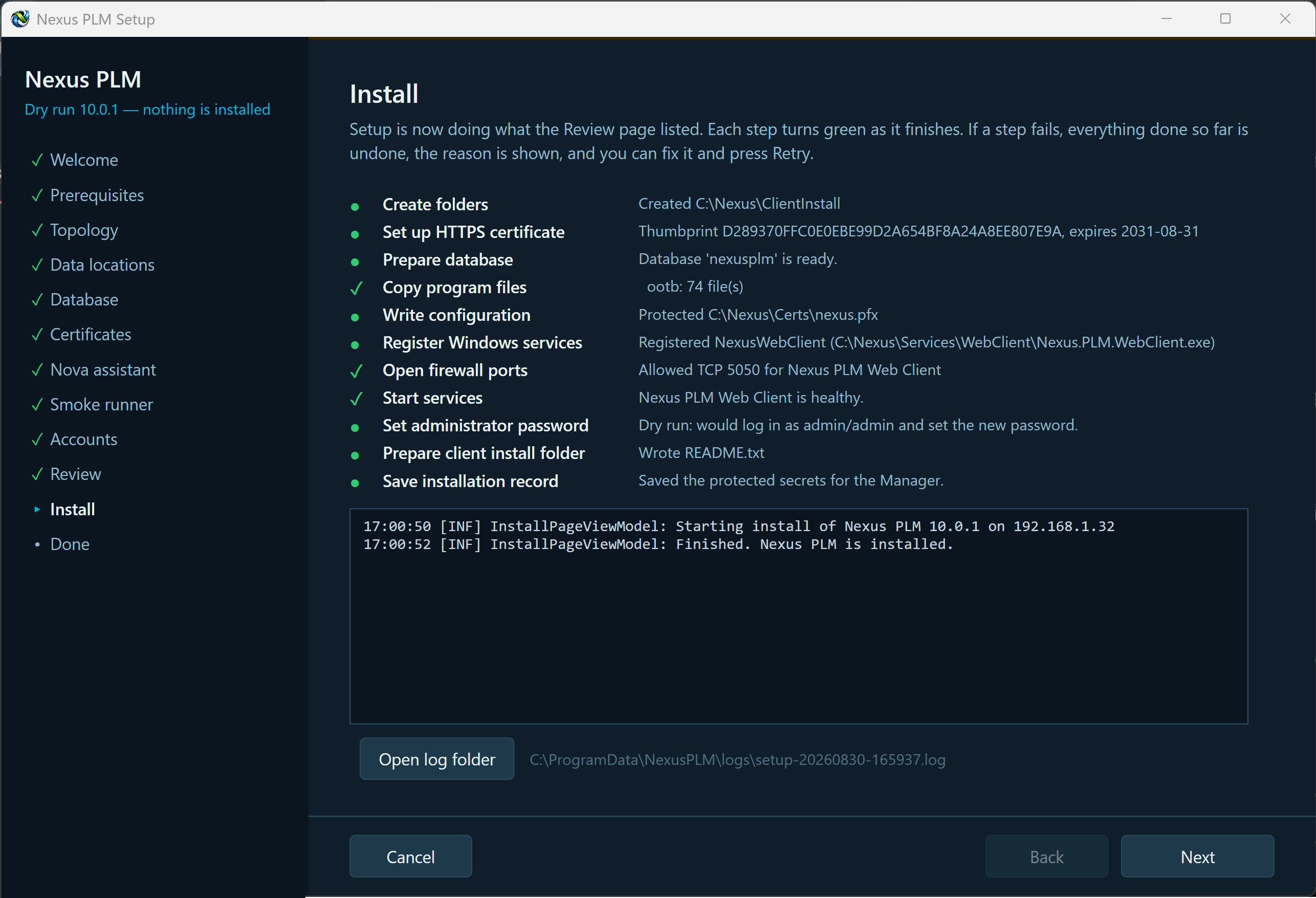
11 - Install
The Install page does the work. It runs the actions from the Review page one at a time and ticks each off as it goes: create the folders, issue the certificate, prepare the database, copy the program files, write the configuration, register the services, open the firewall ports, start the Engine and wait for it to answer, start the remaining services, set the administrator password, export the client files and save the installation plan.
A log scrolls underneath as it works, and the same log is written to disk under C:\ProgramData\NexusPLM\logs, so you can read it later or send it on if you need help.
Mostly you just wait. Starting the Engine the first time takes up to two minutes, because that is when it creates all its database tables - the page has not frozen.
If a step fails, Setup stops there and tells you why in plain language rather than carrying on with a broken installation. Fix the cause, then press Retry step; Open log shows the whole log if you need more detail. If you cancel, Setup undoes what it has already done, in reverse order, so the computer is left as it was.
When every step has a tick, press Next for the Done page.